


Instant payments
No chargebacks
Lower transaction fees
Seamless experience
Increase conversions
with Open Banking
Our advanced technology and secure systems provide a safe and reliable way to transfer funds, allowing you to benefit from reduced processing times and improved efficiency.


Eliminate chargebacks
Reduce cost

Instant settlements
Tired of paying high Card fees?
Join payments evolution with us. Accept bank payments that are settled in seconds.


One payments power grid


Unlock the power of banking data
Balance
Transactions
Bank account details
Conversion
Benefit from our fully customizable payment form created to convert and retain your customers. You are in full control. Form the colors to the layout to the payments journey.


Turnkey API solution designed to scale your business
Built in mind for developers
Go from idea to implementation quickly with robust, bank-grade APIs. Our documentation, sample data and code snippets provide developers with powerful tools to launch your next innovation.


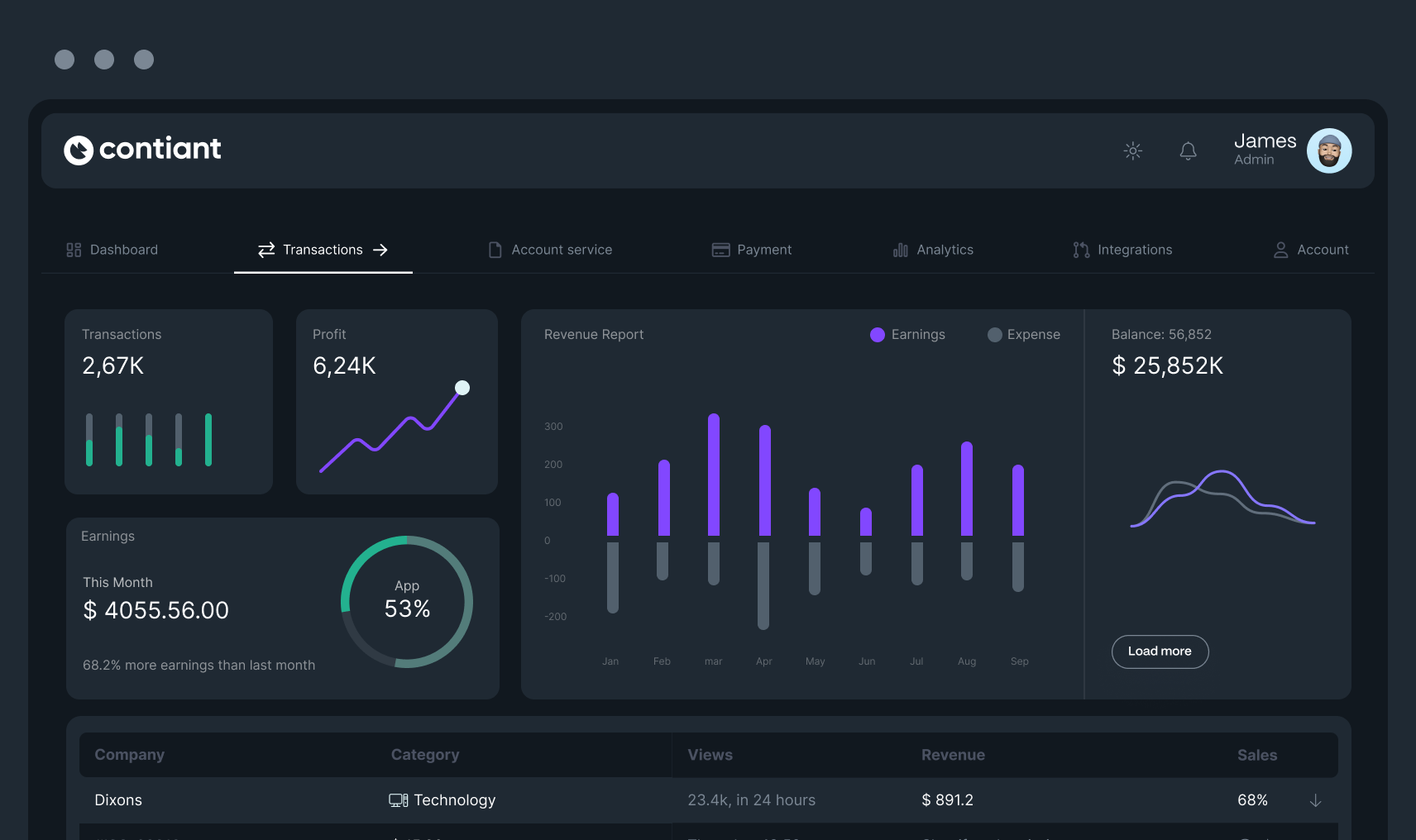
All your transactions and data in one place
Reconcile and track transactions from initiation to settlement. Create an account to start accepting payments today so you can focus on growing your business while we take care of the payments.
Payments intelligence
Reporting at its best.
See payments data how you like it when you want it. Analyse and make decisions.
Payment evolution for every industry
Lending
iGaming and Forex
Crypto
Wealth management
PSPs and EMIs
eCommerce
Start building today
Get in touch to learn how our open banking solution can increase efficiency and speed for your business.


